Docker Cleanup
A downloadable tool
🐳 Docker Cleanup
Reclaim gigabytes of wasted disk space from your local Docker environment with one click!
If you use Docker regularly, your drive is likely filling up with gigabytes of hidden junk: abandoned containers, untagged (dangling) images, orphaned data volumes, stale bridge networks, and massive multi-stage build caches. Docker Cleanup is a blazing-fast, lightweight, and modern desktop application designed to inspect, analyze, and safely purge unused Docker data in seconds.
👥 Who Needs It?
- 💻 Software & Web Developers: Who build and rebuild Docker images daily and wonder where 50+ GB of their SSD storage went.
- 🛠️ DevOps & System Engineers: Who run multiple local test environments, Docker Compose stacks, and need a quick sanity check on disk utilization.
- 🎮 Game Developers & Tooling Creators: Using containerized toolchains, CI/CD runners, or local microservices on development machines.
- ⚡ Anyone Tired of Complex CLI Commands: No more searching StackOverflow for
docker system prune -a --volumes --forceor worrying about accidentally wiping critical production-like database volumes.
✨ What Does It Do?
🔍 1. Real-Time Disk Usage Inspection
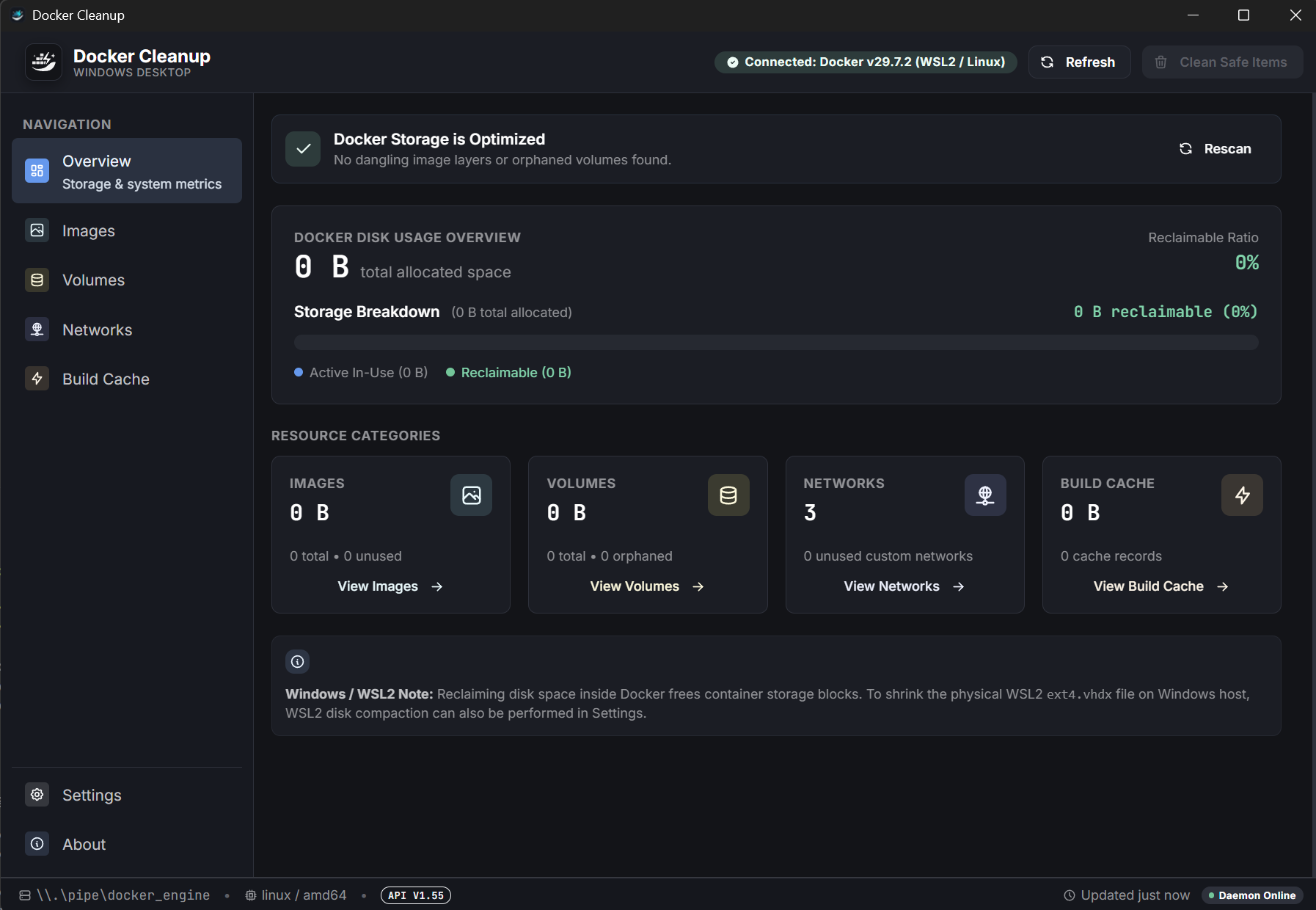
Get an immediate, high-level visual breakdown of your local Docker footprint. See exactly how much space is consumed by images, active/stopped containers, persistent volumes, and build cache, along with the total reclaimable disk space.
🧹 2. One-Click Quick Clean Presets
Clean up your system in seconds using smart, pre-configured cleanup profiles:
- 🟢 Safe Clean: Removes stopped containers, dangling/untagged images, and stale build cache without touching your named images or persistent volumes.
- 🟡 Aggressive Clean: Cleans up all unused images, stopped containers, inactive custom networks, and build cache.
- 🔴 Complete Wipe: Thorough system maintenance that cleans all unreferenced resources, including unused volumes.
📦 3. Granular Resource Management
Prefer total control? Drill down into dedicated management tabs with full filtering and multi-selection capabilities:
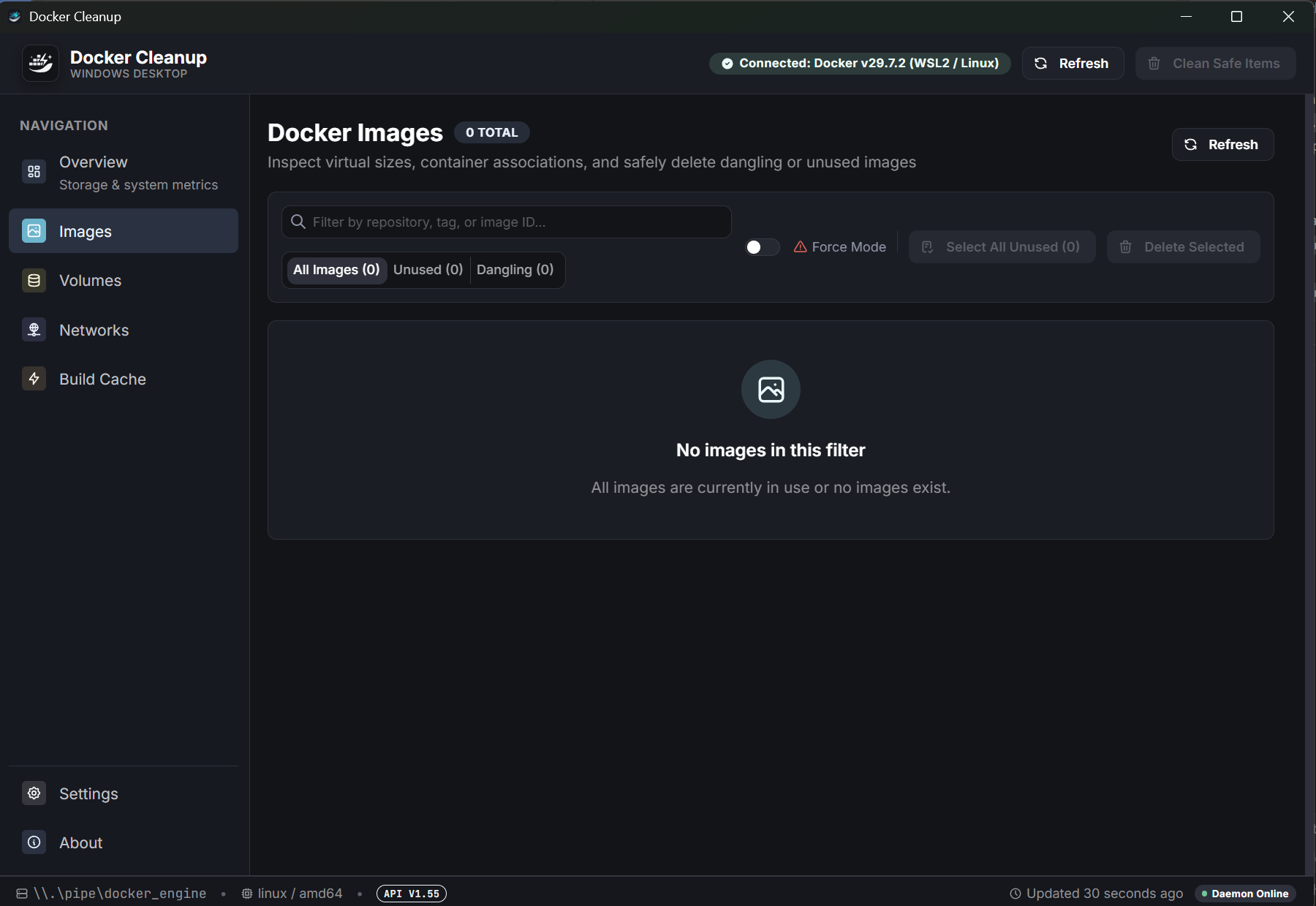
- 🖼️ Images Manager: Filter by dangling, unused, or total size. Delete specific image tags or bulk-remove obsolete development layers.
- 📦 Containers Manager: Inspect running, stopped, and exited containers with status indicators, creation dates, and instant removal.
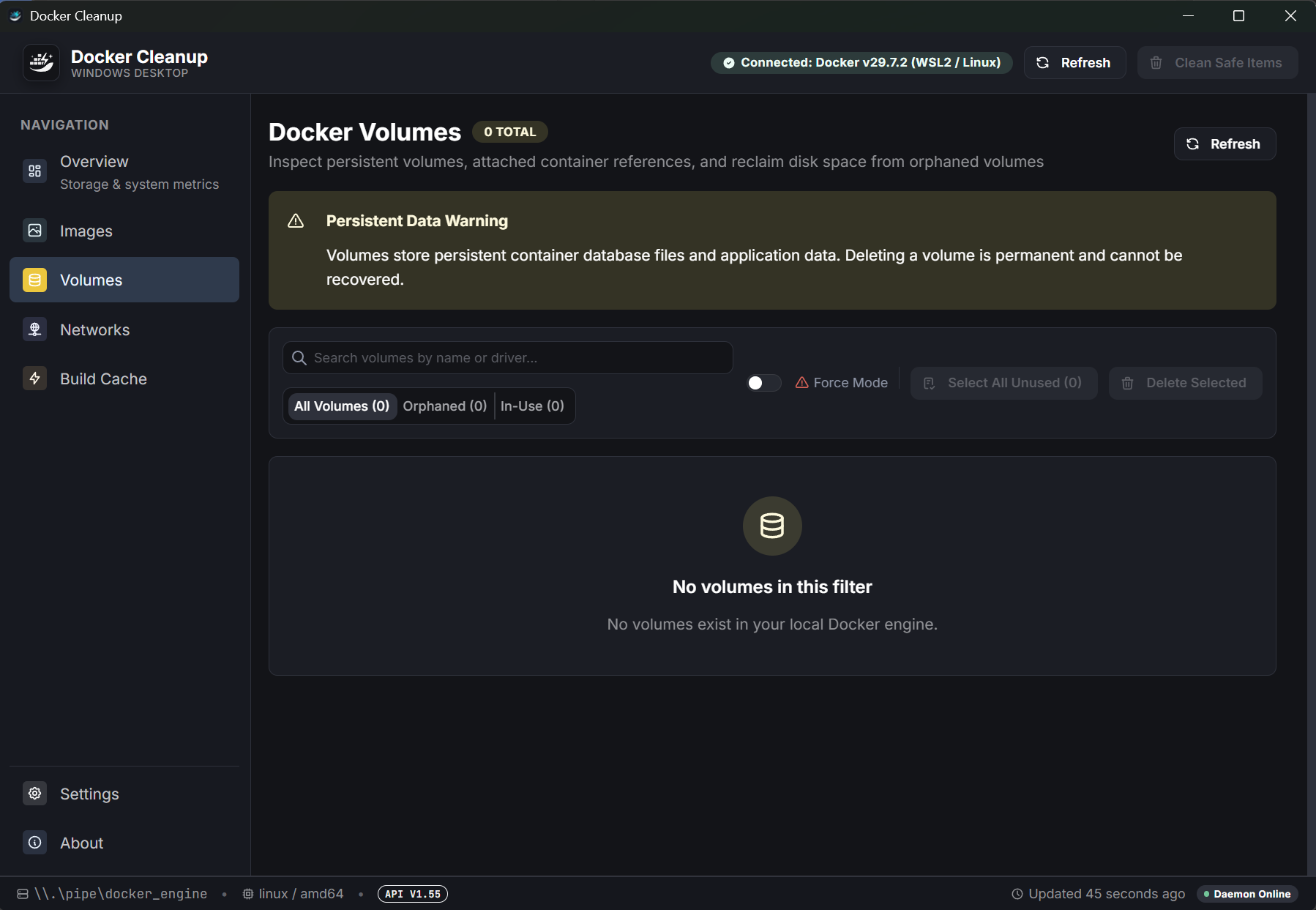
- 💾 Volumes Inspector: Identify anonymous and orphan volumes left behind by deleted containers to reclaim trapped database and file storage.
- 🌐 Networks Cleaner: Detect and prune unused custom bridge and overlay networks.
- ⚡ Build Cache Pruner: Purge stale Docker BuildKit cache layers that silently accumulate tens of gigabytes over time.
🛡️ 4. Safety First
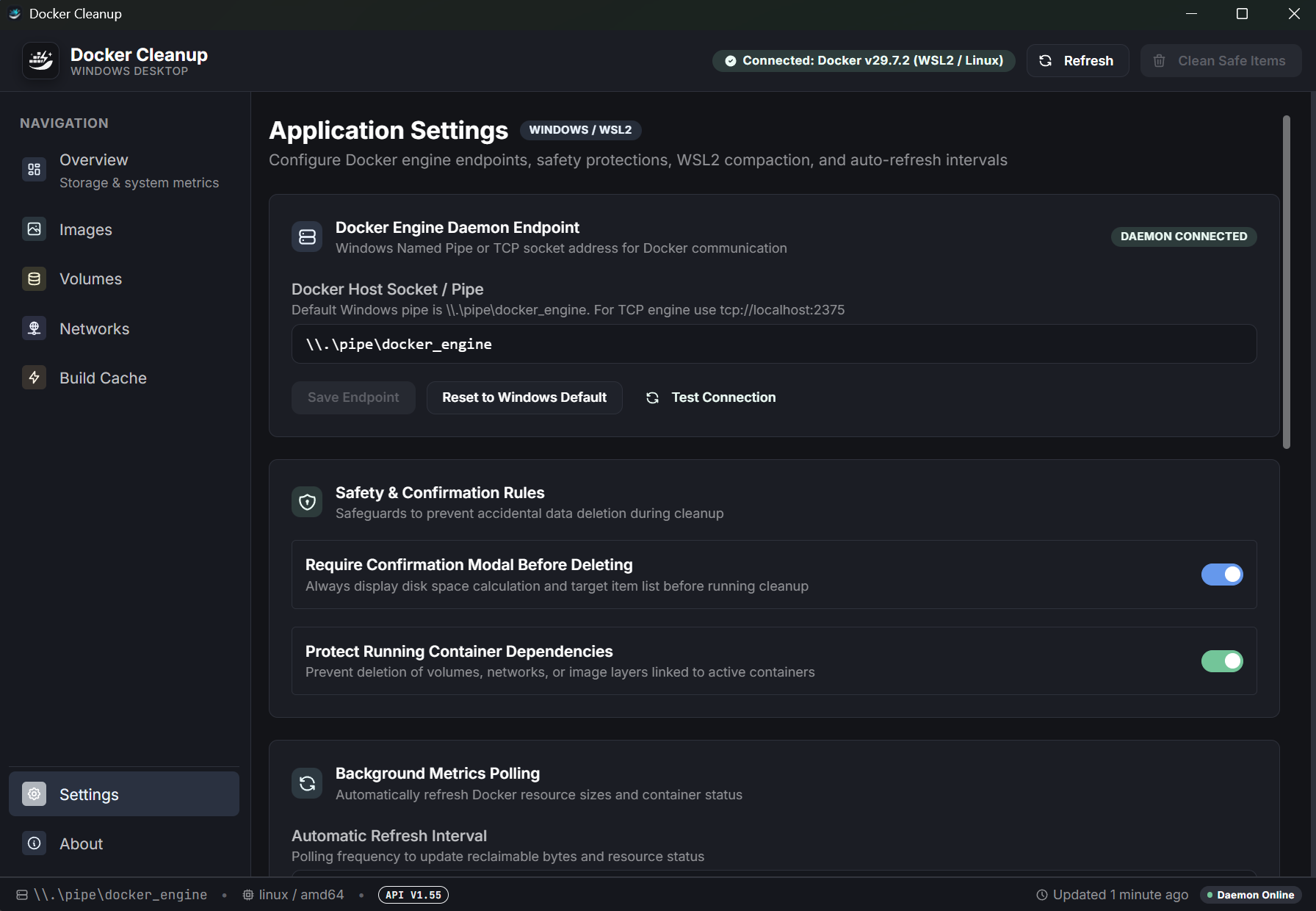
- Accurate estimates of space to be reclaimed before any deletion occurs.
- Clear confirmation prompts for destructive actions.
- Graceful error handling and safety checks to prevent deleting active containers and in-use assets.
🚀 How to Use It
- Prerequisite: Make sure Docker (Docker Desktop, Docker Engine, OrbStack, or Rancher Desktop) is installed and running on your machine.
- Download & Install: Download the installer or portable package for your operating system and launch Docker Cleanup.
- Inspect Your Environment: The app connects directly to your local Docker daemon and displays your current storage footprint and reclaimable space on the Overview screen.
- Execute Cleanup:
- Click Quick Clean for an effortless automated clean with your chosen preset, OR
- Navigate to the Images, Containers, Volumes, Networks, or Build Cache tabs, select the exact items you want to remove, and click Delete Selected.
- Confirm & Enjoy: Review the confirmation prompt, click confirm, and instantly enjoy your reclaimed SSD space!
⚡ Why Docker Cleanup? (Ultra-Lightweight & Fast)
- 🚀 Powered by Tauri v2 & Rust: Unlike heavy Electron-based tools that hog hundreds of megabytes of RAM, Docker Cleanup is built with Rust and native webview technology for instant startup, tiny memory usage, and minimal binary size.
- 🎨 Modern & Sleek UI: Built with Mantine UI, featuring full Dark and Light mode support, keyboard shortcuts, and clean developer aesthetics.
- 🔒 100% Local & Private: No cloud dependencies, no analytics tracking, and no external daemon. Everything runs locally on your machine via direct Docker CLI commands.
💻 System Requirements
- Operating System: Windows 10 / 11 (64-bit), macOS, or Linux.
- Docker: Docker Engine / Docker Desktop with the
dockerCLI accessible in your systemPATH.
📄 Open Source & License
Docker Cleanup is free and open-source software released under the MIT License.
⭐ If you find this tool helpful, consider rating the project and sharing it with your fellow developers!
Download
Click download now to get access to the following files:
Leave a comment
Log in with itch.io to leave a comment.